Manage your items
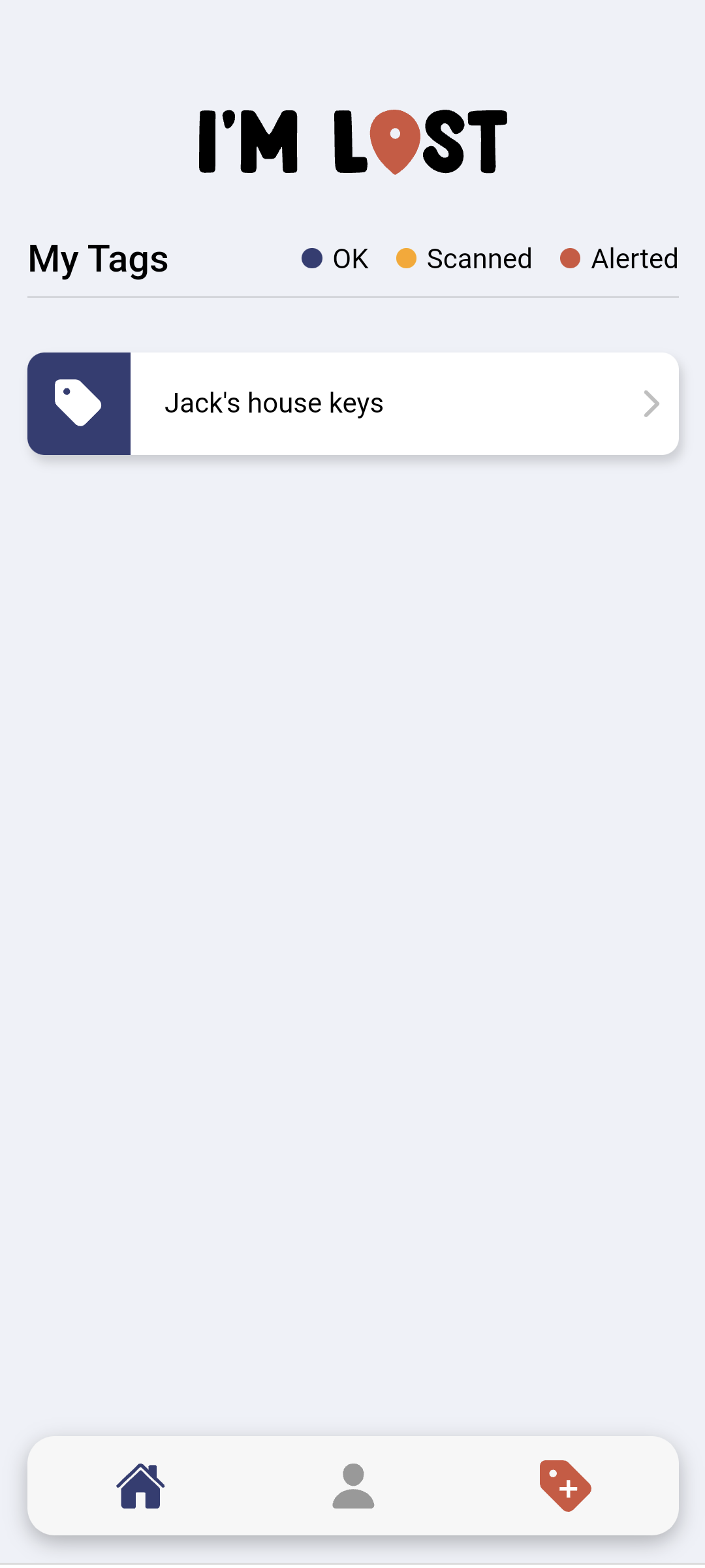
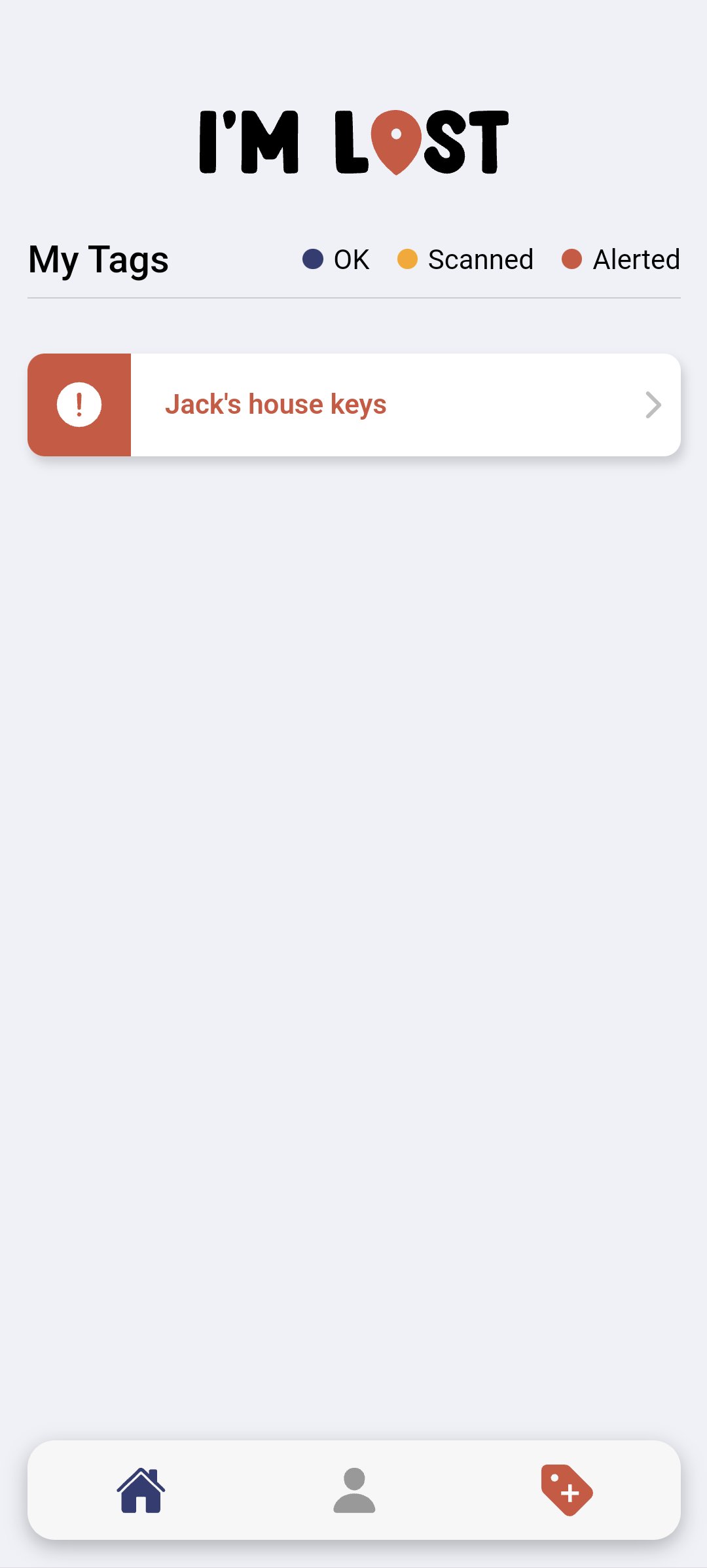
See all your tags in one place.
 I'm Lost home
 The app
Set up your account, connect your tags, and be ready if something goes missing.


Setup
No complicated setup - just a few quick steps.
Step 1
Sign up and verify your email to get started.
Step 2
Scan your QR tags and name each item clearly.
Step 3
If something is found, you'll be notified and can respond quickly.
Screens and features
See all your tags in one place.
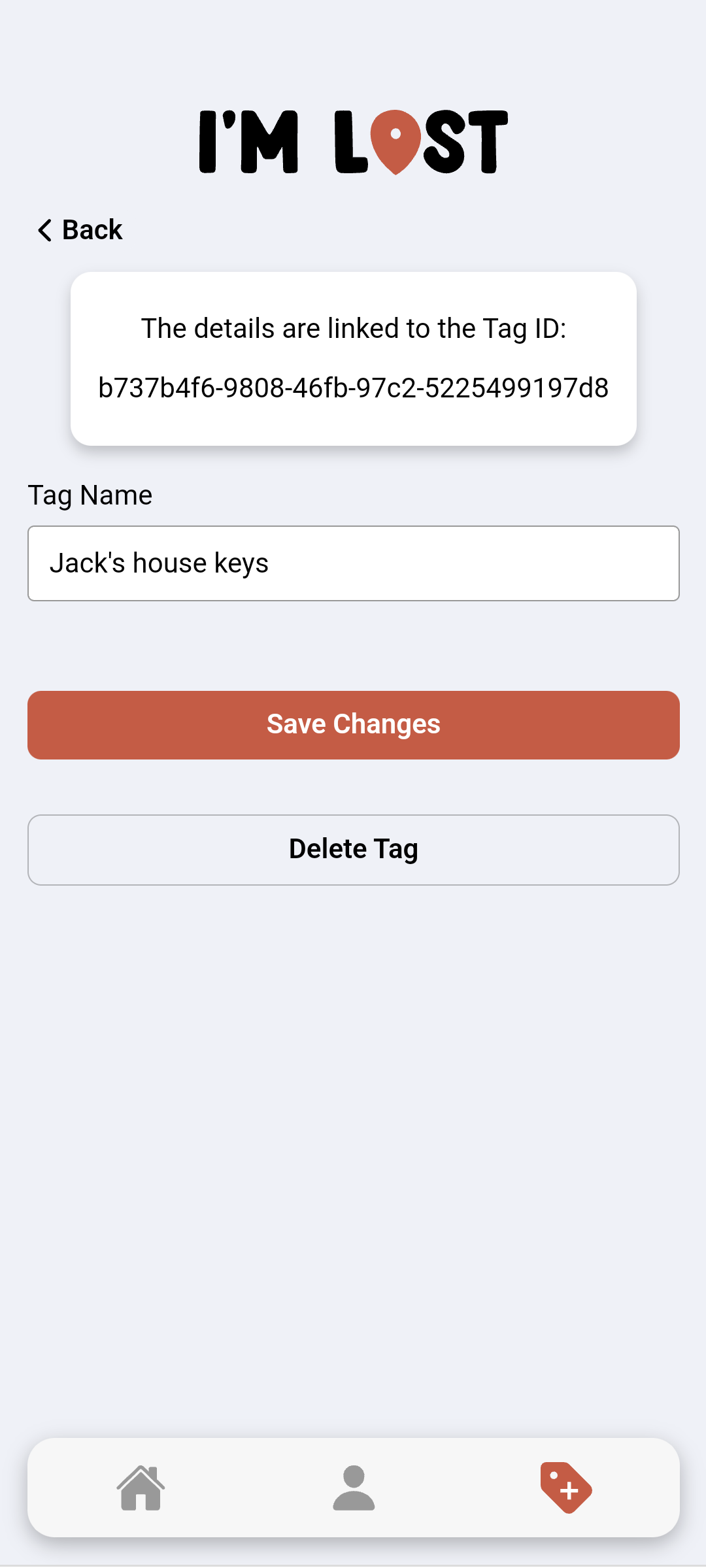
So you instantly know what's been found.
Receive alerts when someone scans your tag.
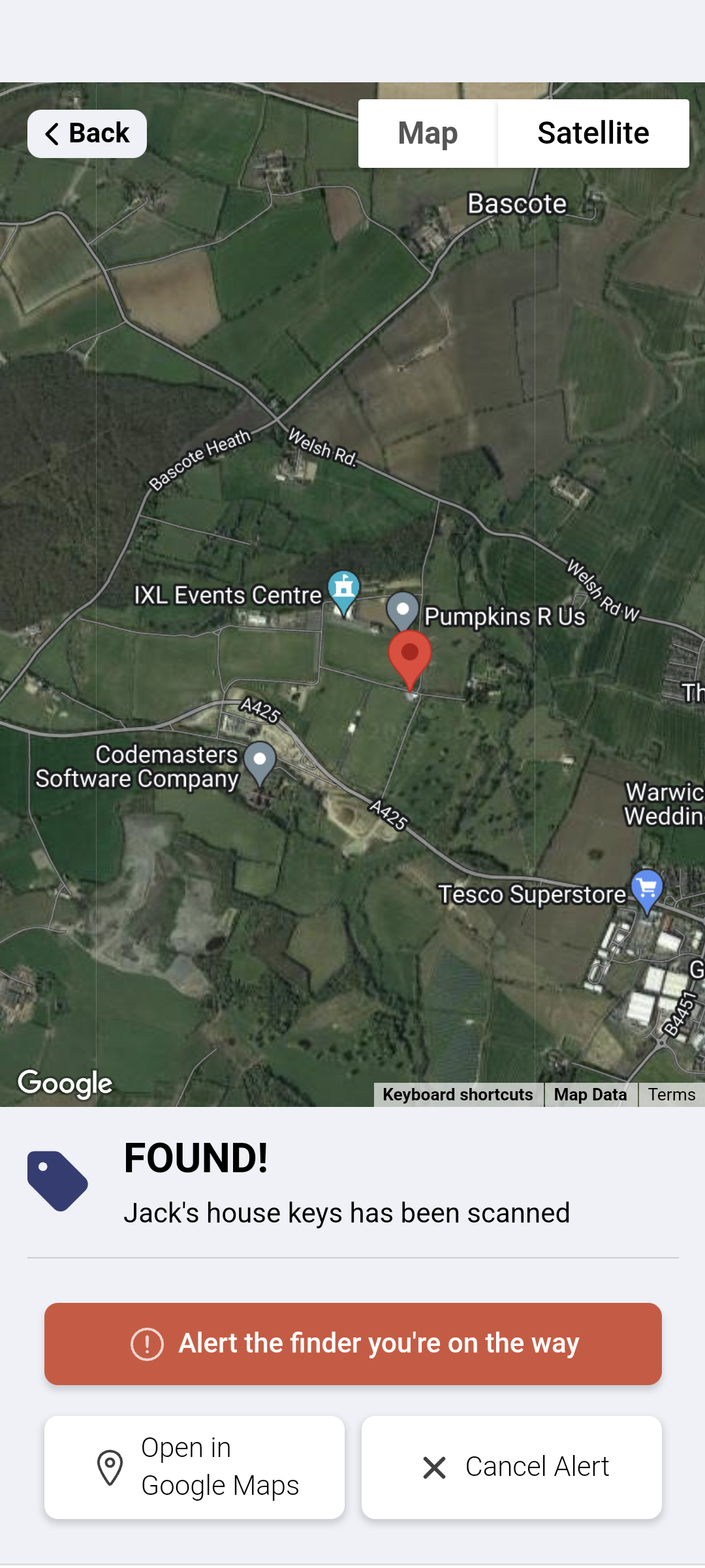
Use shared details to arrange a safe return.
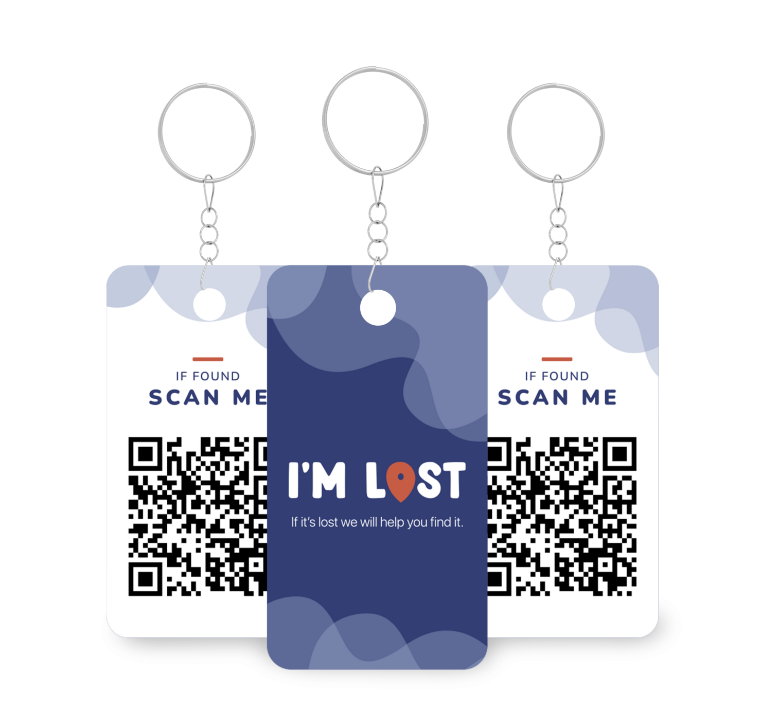
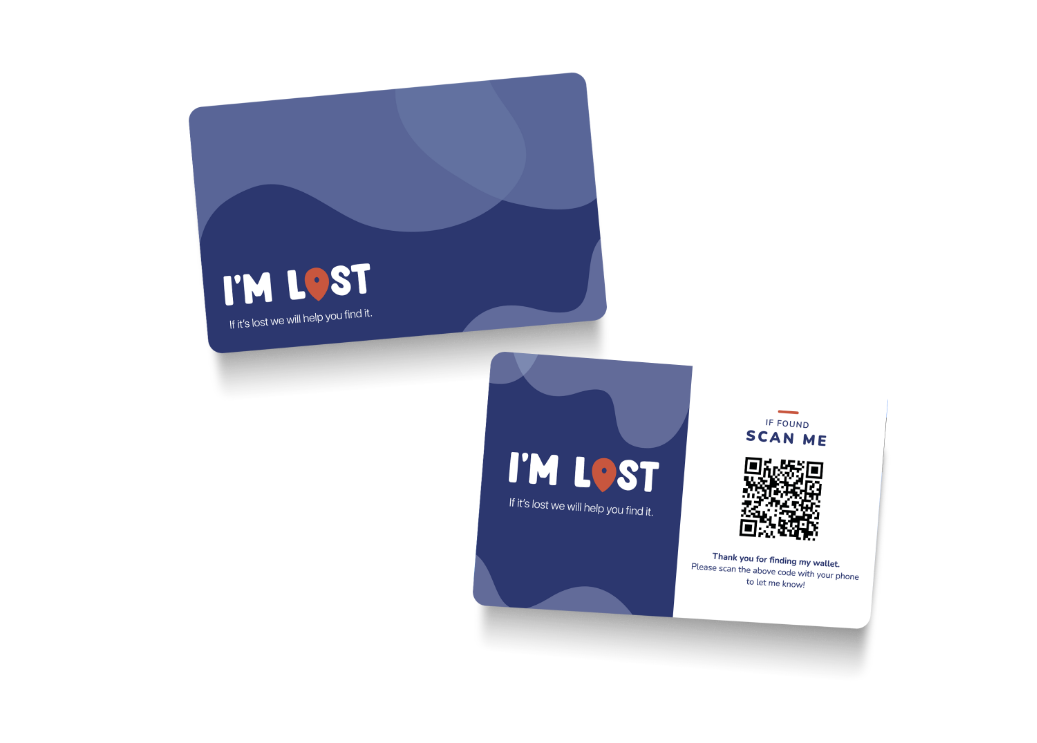
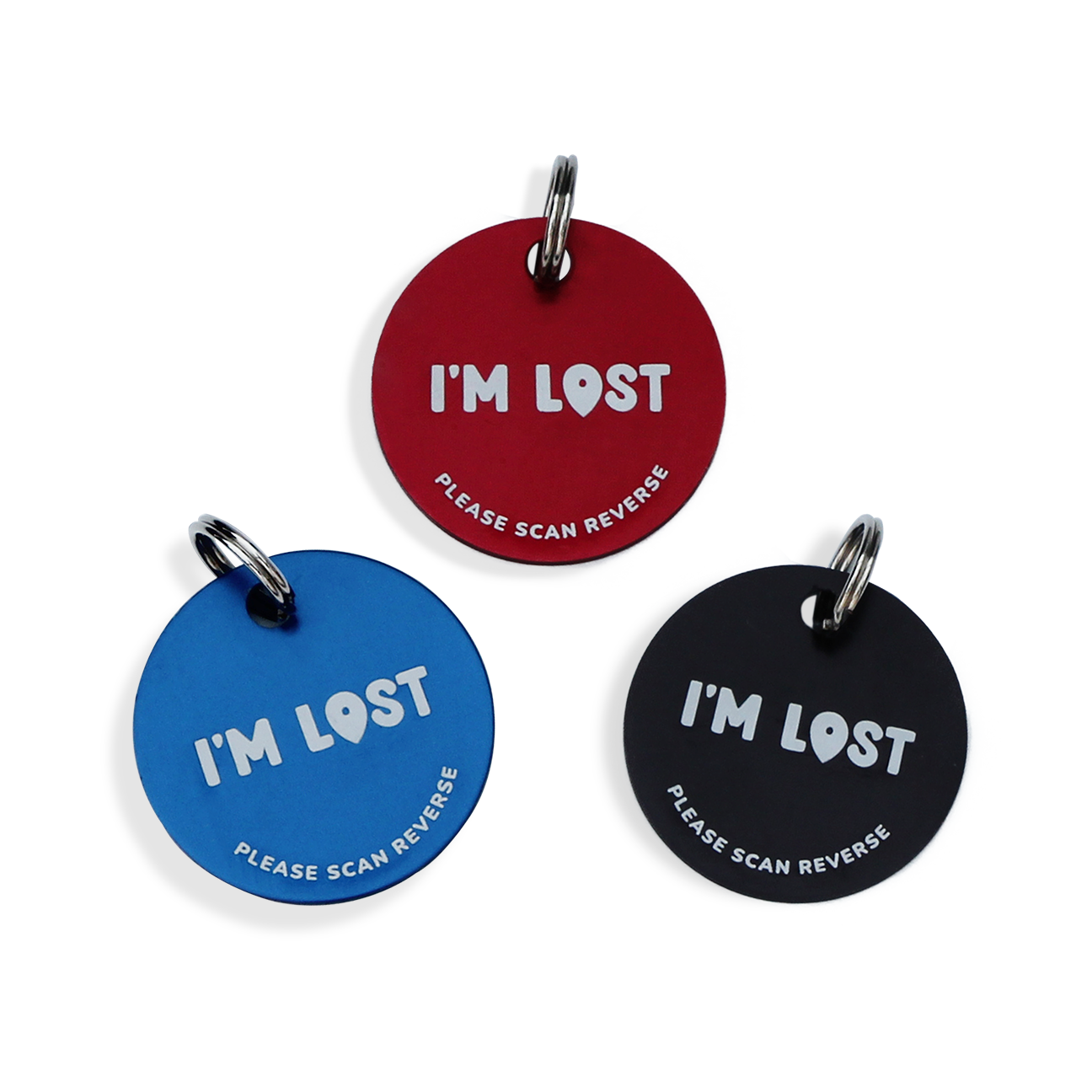
The current product imagery includes key tags, wallet inserts, stickers, and pet-tag formats. The public site should keep reinforcing that this is about real-world recovery, not just an abstract app feature list.